Your MailConnect trial
New organisations usually start MailConnect with a free trial. A trial covers everyone in your Microsoft 365 tenant.
How long it runs
| Started by | Length |
|---|---|
| You, from Outlook | 21 days from the moment someone in your organisation starts it. |
| Your MailConnect partner, or Pinksky | 21 days or longer: they can give you a longer trial. |
Starting it yourself
The first time someone in your organisation opens MailConnect, it shows No Subscription Found, with Start free trial and Contact us →. Start free trial starts the trial for your whole organisation straight away.
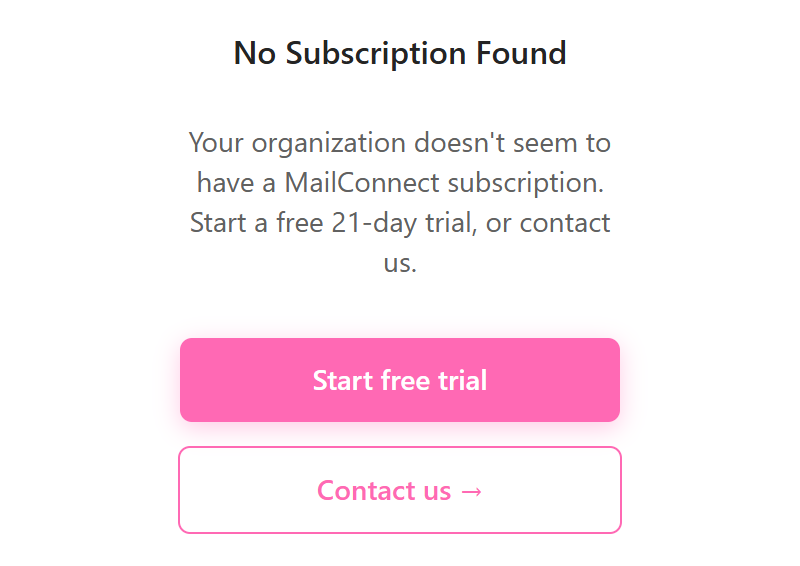
A trial can only be used once per organisation. If one was used before, the screen says A trial has already been used for this organization.
If you got MailConnect through a partner, they usually start your trial in the Admin Center, and nobody needs to start it from Outlook.
During the trial
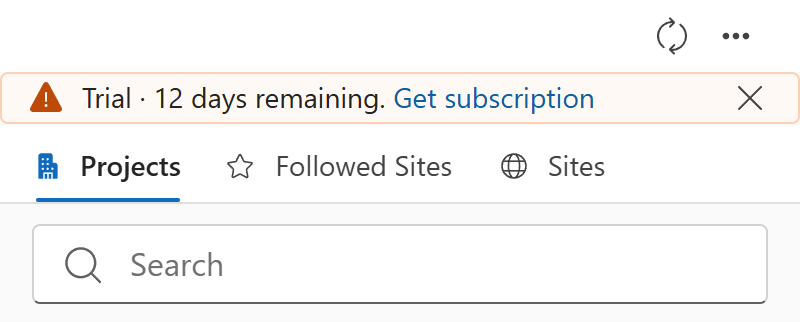
In Outlook, MailConnect shows a banner at the top of its pane: Trial · 12 days remaining. Get subscription opens our contact page. The ✕ hides the banner until MailConnect opens again.
In the Admin Center, the Overview tab shows your plan as Trial (Free) and the date it ends. In the last two weeks, the Usage tab reminds you too: Your trial ends on 21 Oct 2026. Contact Fabrikam Partner to continue.
When it ends
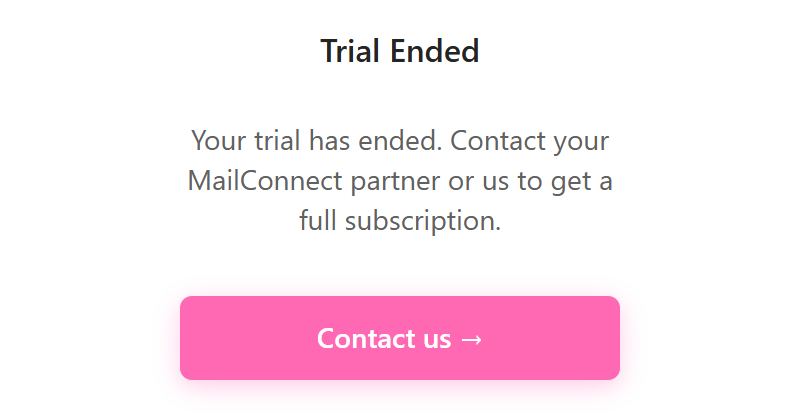
On the end date, MailConnect stops working for everyone in your organisation. Opening it shows Trial Ended: Your trial has ended. Contact your MailConnect partner or us to get a full subscription., with Contact us →. Archiving, attaching and browsing aren’t available until the trial is extended or turned into a subscription. In the Admin Center, the status shows Trial ended · add-in blocked.
Continuing
- If you have a MailConnect partner, contact them.
- Otherwise, contact our sales team at [email protected], or use the contact page.
Pinksky extends trials and turns them into subscriptions in the Admin Center. Once that’s done, MailConnect works again the next time it opens. Nothing needs reinstalling.
Nothing is deleted
When a trial ends, nothing is deleted:
- Emails and files you archived stay in SharePoint, and the Outlook categories on archived emails stay as they are.
- Your organisation’s setup stays: its tabs and settings, who has access to the Admin Center, and its usage history.
- Each person’s own MailConnect preferences stay in their OneDrive.
When you continue, everything is as you left it.
Questions? Contact [email protected].